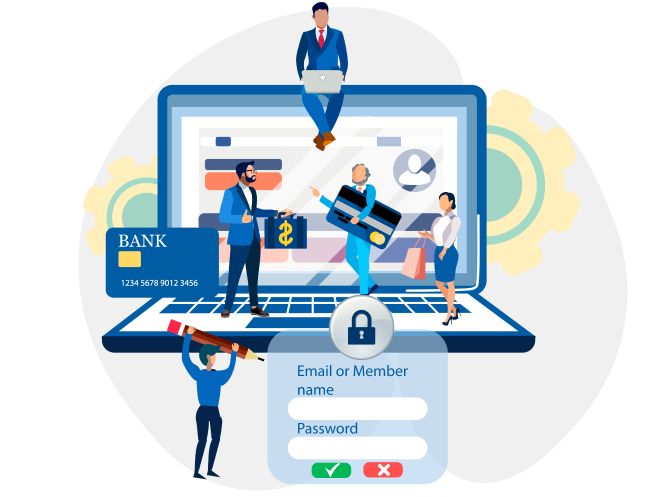
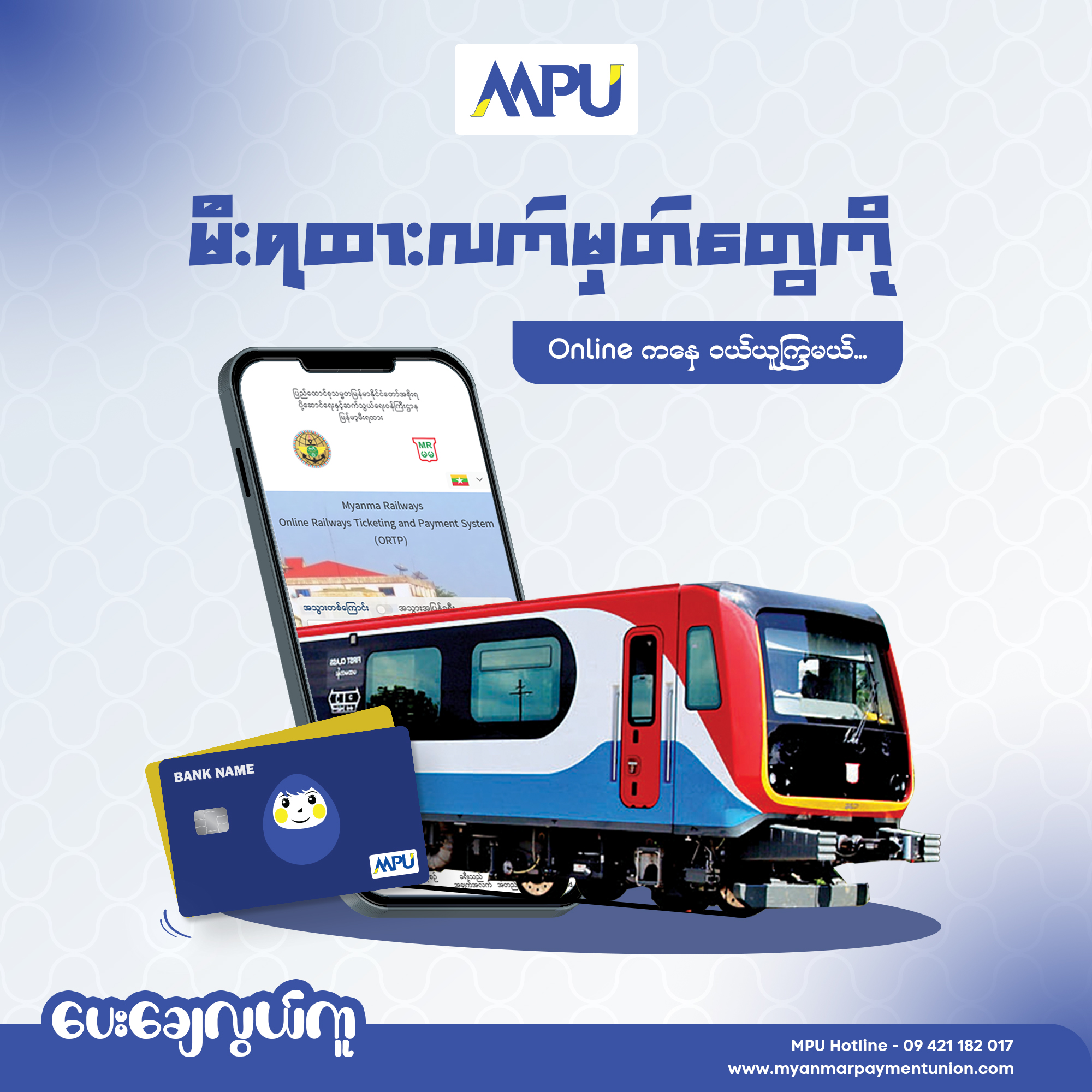
2015 On February 13th, MPU introduced the E-commerce service, where services and products can be purchased online with MPU Cards. Income taxes using the MPU E-commerce Service; Taxes can be paid through the online payment system using MPU cards. For MPU card holders who want to use the E-commerce service, they can either contact their preferred bank from among the banks that have the service. You can easily apply by filling out the Online Enrollment Form through www.myanmarpaymentunion.com website. Applicants need to fill in the same personal e-mail and phone information as they did when making a card at the bank. If there is any change in information, it is necessary to notify the nearest branch of the concerned bank before applying online. After applying for E-commerce Registration, access will be provided by concerned banks within 3 to 5 business days. Merchants who wish to receive online payment using E-commerce services can obtain Membership Forms through any of the member banks that have access to the service, and can easily communicate according to the relevant bank's procedures. Those Merchants are also required to open a Settlement Account in any of the relevant member banks to accept payments.
E-Commerce Member Bank List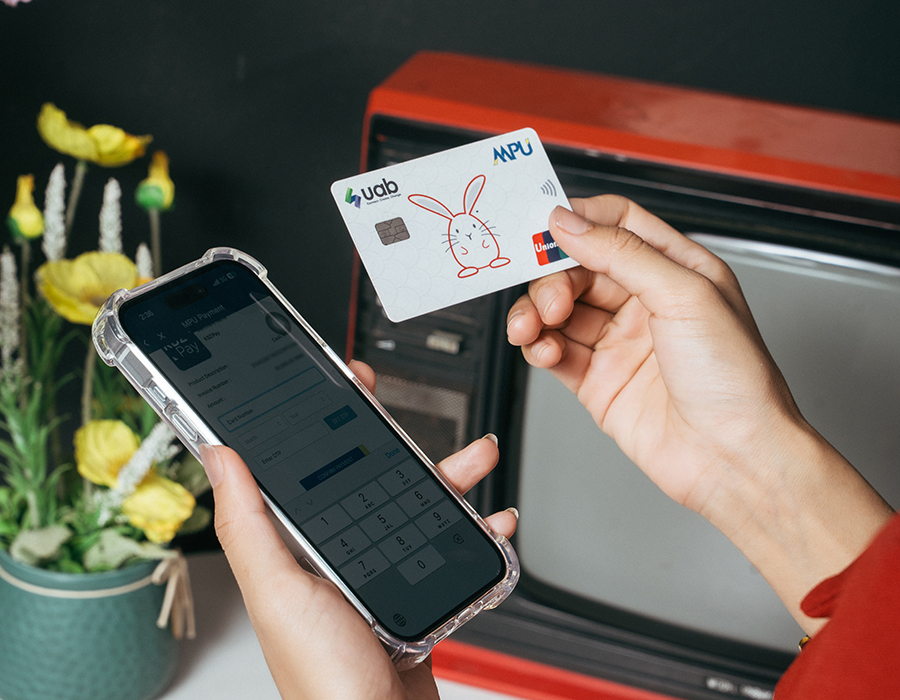























In order to enable online payment acceptance via E-commerce services, merchants can procure Membership Forms from any of the member banks that have access to this facility. Thereafter, smooth communication can be established by following the designated procedures of the respective bank. Additionally, merchants are mandated to open a Settlement Account with any of the member banks that are pertinent to their business, as it is a requirement for accepting payments.



E-Commerce
Merchants

❝Connect with MPU member banks as soon as possible to make payments in your business convenient and easy❞
MPU E-commerce လျှောက်ရာတွင် MPU card user အနေဖြင့်လျှောက်ထားခြင်းနဲ့ MPU E-commerce Merchant အနေဖြင့်လျှောက်ခြင်းဟူ၍ ၂ မျိုးရှိပါတယ်… “ MPU card user အနေနဲ့ online ကနေ E-commerce လျှောက်ဖို့ အဆင့်လေး ၃ ဆင့်ပဲလိုပါတယ်….”
(၁) မိမိအသုံးပြုနေကျ ဖုန်း(သို့) ကွန်ပျူတာ web browser ကနေ www.myanmarpaymentunion.com
ဆိုတဲ့ link
လေးကိုဝင်ပါ။
(၂) Our Service ထဲက E-commerce အောက်မှာရှိတဲ့ E-commerce Online Card Enrollment လေးကို
နှိပ်ပါ။ (OR)
အဆင့်ဆင့်ဝင်ဖို့အဆင်မပြေသူများအနေဖြင့် အောက်ဖော်ပြပါ link ကနေလည်း တိုက်ရိုက်ဝင်လို့
ရပါတယ်နော်…
https://www.mpu-ecommerce.com/Payment/OnlineEnrollment/Check
(၃) MPU Card Enrollment window လေးကျလာတဲဲ့အခါ Card Number နေရာတွင် မိမိ MPUကတ်ပေါ်က ဂဏန်း ၁၆
လုံးကိုရိုက်ထည့်ပြီး Check and Continue ကိုနှိပ်ပါ။
👍 Congratulations….. နဲ့ အစချီထားတဲ့ စာတန်း အစိမ်းလေးပေါ်လာတယ်ဆိုရင်တော့ လူကြီးမင်းတို့ရဲ့
online shopping အတွက် MPU E-commerce ဖြင့် လွယ်ကူစွာပေးချေနိုင်ပြီဖြစ်ပါတယ်။
📋 စာတန်းအစိမ်းလေးအစား ဖောင်လေးတစ်ခုကျလာရင်တော့ လိုအပ်တဲ့ ဖြည့်စွက်ပေးရမယ့်
အချက်အလက်လေး တွေကိုဖြည့်ပြီး MPU E-commerce ကို online ကနေအလွယ်တကူလျှောက် လို့ရပြီပေါ့။


Online Registration Form မဖြည့်ခင် သတိပြုရမယ့်အချက်လေးတွေတော့ မျှဝေပေးလိုက်ပါတယ်နော်…
📌 Online Form တွင်ဖြည့်ရမယ့် phone ၊ email အစရှိတဲ့အချက်အလက်များသည် ဘဏ်တွင် card ပြုလုပ်
စဉ်က ပေးခဲ့သောအချက်အလက်များနဲ့ ထပ်တူညီရမှာ ဖြစ်ပါတယ်။
📌 Card လုပ်စဉ်က email မပေးခဲ့မိခြင်း၊ ဖုန်းနံပါတ် အချက်အလက်တစ်ခုခု အပြောင်းအလဲ ရှိခဲ့ရင်တော့
သက်ဆိုင်ရာ ကတ်ထုတ်ပေးတဲ့ဘဏ်ကို online form မတင်ခင် ကြိုတင်အကြောင်းကြားပေးရမှာဖြစ်ပါတယ်။
📌 ကတ်လျှောက်စဉ်ပေးခဲ့တဲ့အချက်အလက်နဲ့ E-commerce registration form မှာ ဖြည့်တဲ့အချက်အလက် တွေ
ထပ်တူဖြစ်မှသာ သက်ဆိုင်ရာကတ်ထုတ်ပေးထားတဲ့ဘဏ်မှ သတ်မှတ်ထားသော ဘဏ်ဖွင့်ရက်များအတိုင်း
လူကြီးမင်းတို့ရဲ့ registration ကို approved လုပ်ပေးမှာဖြစ်ပါတယ်။ ဘဏ်မှ အချက်အလက်အတည်ပြုရန်
ဖုန်းနှင့် သော်လည်းကောင်း၊ email ဖြင့်လည်း ဆက်သွယ်လာခဲ့လျှင်လည်း ဘဏ်
၏လမ်းညွှန်မှုများအတိုင်း ဆောင်ရွက် ပေးရုံပဲဖြစ်ပါတယ်။ ကတ်ပိုင်ရှင်များရဲ့ အချက်အလက်များကို
security အရ သက်ဆိုင်ရာဘဏ်များ ၌သာ ထိန်းသိမ်းထားသည့်အတွက် ဘဏ်က approved လုပ်ပေးမှသာလျှင်
E-commerce service ကိုစတင် အသုံးပြုနိုင်မှာဖြစ်ပြီး အသုံးပြု၍ရပြီဖြစ်ကြောင်းကိုလည်း ဘဏ်မှ
Phone/Email ဖြင့် တိုက်ရိုက်အကြောင်းကြား ပေးမှာဖြစ်ပါတယ်…။
MPU E-commerce service ရယူနိုင်တဲ့ ဘဏ် ၁၆ ဘဏ်ရှိပါတယ်၊ ထိုဘဏ်များထဲမှ မိမိနှစ်သက်ရာ ဘဏ်တစ်ခုနဲ့ ချိတ်ဆက်ပြီး ထိုဘဏ်မှတဆင့် MPU နဲ့ဆက်သွယ်ကာ လိုအပ်တဲ့အဆင့်ဆင့်ကိုဆက်လက်ဆောင်ရွက်သွားရုံပါပဲနော်။
🏦 MPU E-Commerce လျှောက်ထားနိုင်တဲ့ဘဏ် (၁၆) ဘဏ်ကတော့ AGD, MWD,
AYA, CB, uab bank, KBZ, MEB, MOB, SMEDB, MCB, MFTB, YOMA, YCB,
SHWE, CHID Bank,FPB Bank တို့ပဲဖြစ်ပါတယ်။
🛑 ဘဏ်(၁၆)ဘဏ်အနက်မှ KBZ bank ကတ်ပိုင်ရှင်များအနေနဲ့ ပုံမှန် MPU
E-commerce Online Registration Link မှ မဟုတ်ပဲ ဘဏ်၏
သတ်မှတ်ချက်အရ ဖော်ပြပါ Link ကနေသီးသန့်လျှောက်ပေးရမှာဖြစ်ပါတယ်။
https://mpu-ecommerce.kbzbank.com/
🛑 ဘဏ်(၁၆)ဘဏ်အနက်မှ AYA bank ကတ်ပိုင်ရှင်များအနေနဲ့ ပုံမှန် MPU
E-commerce Online Registration Link မှ မဟုတ်ပဲ ဘဏ်၏
သတ်မှတ်ချက်အရ ဖော်ပြပါ Link
ကနေသီးသန့်လျှောက်ပေးရမှာဖြစ်ပါတယ်။
☎️ MPU E-commerce Online Registration နှင့်ပတ်သက်၍
ထပ်မံသိရှိလိုသည်များ၊ အခက်အခဲများရှိပါက MPU ၏ Customer Hotline
+95 9421182017 သို့လည်းကောင်း၊ Merchant ပြုလုပ်လိုသော
လုပ်ငန်းများ အနေဖြင့် Merchant Hotline +95 9969111774
သို့လည်းကောင်း ဆက်သွယ်မေးမြန်းနိုင်ပါတယ်ရှင်…။
📱အချိန်မရွေးမေးမြန်းစုံစမ်းလိုသူများ၊ ဝန်ဆောင်မှုနဲ့ပတ်သက်သော
feedback များ၊ အကြံပေးလိုသူများအတွက် လည်း MPU Facebook Page
Messenger မှာ မေးခွန်းလေးတွေ၊ message လေးတွေ
ပို့ထားပေးခြင်းအားဖြင့် တာဝန်ကျဝန်ထမ်းများမှ
ပြန်လည်ဖြေကြားပေးသွားမှာဖြစ်ပါတယ်ရှင်…။